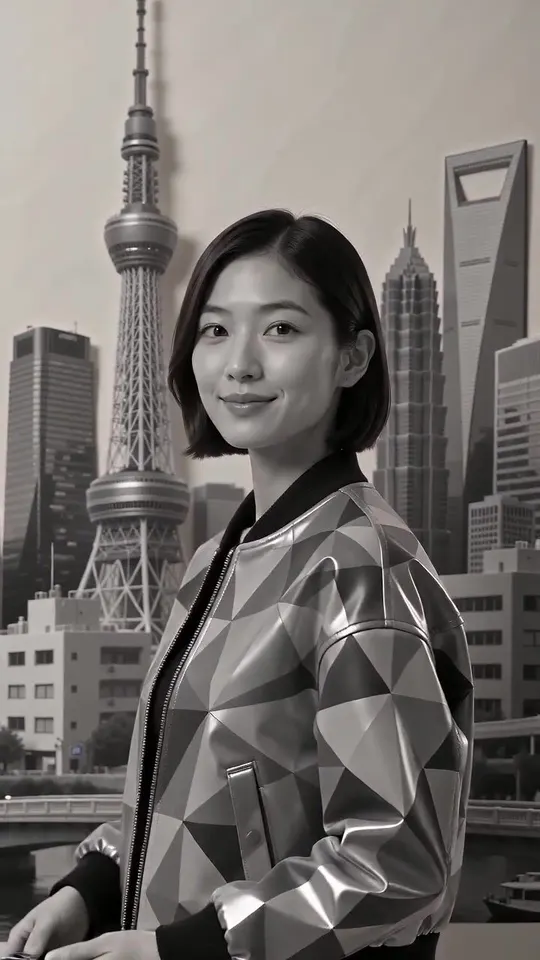
Partial Restyle: How to Restyle Only Part of a Video by Prompt
Restyle only the background, the sky or the clothing and keep the person photoreal. A prompt guide for partial video restyles and video style transfer, with templates, model choice and fixes.
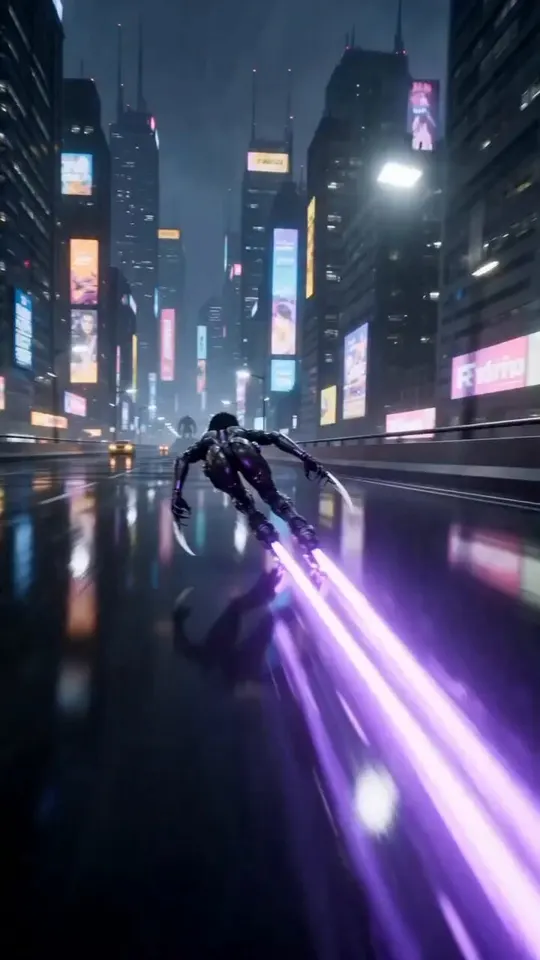
A full restyle turns the whole frame into a new medium. Often you want less than that: a real dancer in front of a painted city, a photoreal product on a watercolour table, a presenter who stays themselves while the room turns into a pixel-art level. That is a partial restyle.
There is no mask to paint on Restyle Video. You describe what changes and what stays, and the edit model follows the prompt. This guide shows how to write those prompts, which models handle them best and how to fix the usual problems. Restyle Video is an independent studio and is not affiliated with the companies behind the models it runs.
How a partial restyle works
Video edit models read your clip and redraw it according to your prompt. They also understand plain instructions about where to apply a change. When you write "restyle only the background as a watercolour city; keep the person photoreal", the model treats the person as something to preserve and the rest of the frame as something to redraw.
Two things follow:
- Results are best when subject and background are clearly separated. A person against a wall works better than a crowd in a busy street.
- The boundary is not pixel-exact. Hair, hands and fast-moving edges can pick up some of the new style. You manage that with wording and model choice rather than with a brush.
The prompt template
Every partial restyle prompt needs four parts. Write them in this order:
- Scope: what to restyle. "Restyle only the background", "restyle only the sky", "restyle only her jacket".
- Look: the new medium and two or three concrete details. "As a watercolour city with soft washes and fine ink lines."
- Keep: what must not change. "Keep the person photoreal, with her face, hair and clothing unchanged."
- Motion: "Keep the original motion, framing and timing."
Put together:
Restyle only the background as a watercolour city with soft washes and fine ink lines. Keep the dancer photoreal, with her face, hair and clothing unchanged. Keep the original motion, framing and timing. No text overlays.
Keep it short. One sentence per part is enough; the clip already supplies the scene.
Templates you can copy
Painted background, real person
Restyle only the background as a thick impasto oil painting with warm ochre light. Keep the person photoreal and unchanged. Keep the original motion and timing.
Stylised sky
Restyle only the sky as a swirling post-impressionist night sky with thick blue and yellow brush strokes. Keep the buildings, people and street photoreal. Keep the camera move.
Wardrobe change
Restyle only her jacket as glossy holographic vinyl with neon reflections. Keep her face, hair, body and the background unchanged. Keep the original motion.
Game-level world, real presenter
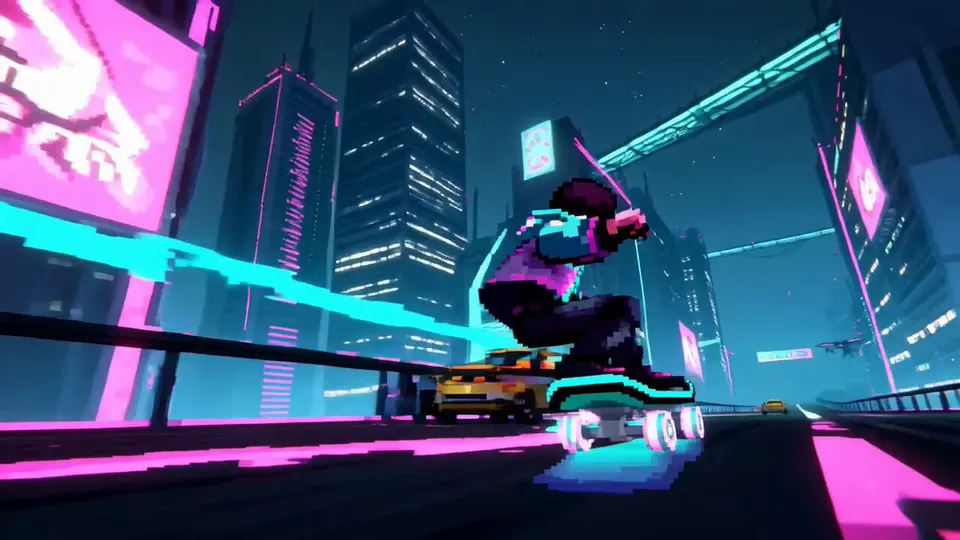
Restyle the room as a 16-bit pixel-art game level with a limited palette. Keep the presenter photoreal, including face and hands. Keep the framing and timing.
Product stays real
Restyle everything except the bottle as soft pastel claymation. Keep the bottle, its label and its reflections photoreal and unchanged. Keep the camera move.
You can start from any preset in the restyle studio and add the scope and keep sentences to the prompt it fills in.
Which model to use
All edit models on Restyle Video accept partial restyle prompts, but they behave differently:
- Wan 2.7 Video Edit (2–10 s, the default) follows scope instructions well and keeps your original audio. If you add a style image, keep the prompt focused on scope and what to keep, and let the image carry the look.
- Kling O3 (up to about 15 s) redraws the frame most strongly. It produces the boldest looks, but its scope is looser, so add a firmer "keep" sentence.
- Seedance 2.5 edits (4–30 s) handle long clips at 720p input and can generate new audio.
- Gemini Omni Flash 1.2 is a cheap way to test whether a scope sentence works before you render it on a stronger model.
The studio picks the first model that fits your clip and shows why when it switches. Prices are per second of your clip; see pricing.
Prepare the clip
Partial restyles depend on the model telling subject from background. Help it:
- Use clear separation. Shallow depth of field, a subject against the sky or a plain wall, good light on the subject.
- Frame people closer. Very small faces in wide shots are harder to keep.
- Avoid fast whip pans. Motion blur blends subject and background, and the style leaks across.
- Trim to the moment. 4–10 seconds keeps you on Wan 2.7 and keeps the cost down.
Fixing common problems
The style leaks onto the person. Strengthen the keep sentence and name the parts: "keep her face, hair, hands and clothing photoreal and unchanged." If it still leaks, use a lighter style (watercolour leaks less than claymation) or switch to Wan 2.7 with a style image.
The background barely changes. Make the look more concrete ("thick visible brush strokes", "flat cel shading with black outlines") and remove soft words like "slightly" or "subtle".
The edge flickers. Hair and fast hands are the usual culprits. Shorten the clip, slow the shot, or accept a looser style for the background.
Text on screen gets redrawn. Add "keep all on-screen text unchanged", or crop the text out and add it back in your editor.
Partial restyle vs other approaches
A partial restyle is a prompt-driven version of what used to take rotoscoping and compositing: mask the subject, stylise the plate, put the two back together. It is far faster, but less exact than a hand-made mask. For broadcast work where every hair must hold, combine both: restyle the full frame, then composite the original subject back over it in your editor.
If you only want a colour change rather than a new medium, a filter is simpler. Our guide to restyle vs filter vs video to video explains where each one fits.
FAQ
Can I paint a mask? Not on Restyle Video. Scope is set by the prompt.
Does a partial restyle keep the audio? On Wan 2.7 Video Edit, yes, with "keep original audio" on. See how to restyle a video and keep the original audio.
Does it cost less than a full restyle? No. Restyles are priced per second of the clip, whatever share of the frame changes.
Where can I find looks to aim for? Browse the example looks, or make a style frame in the image studio and use it as the style image.
Restyle a clip on Restyle Video
Put the guide to work: upload a clip, pick a preset or style image and see the price before you render.